
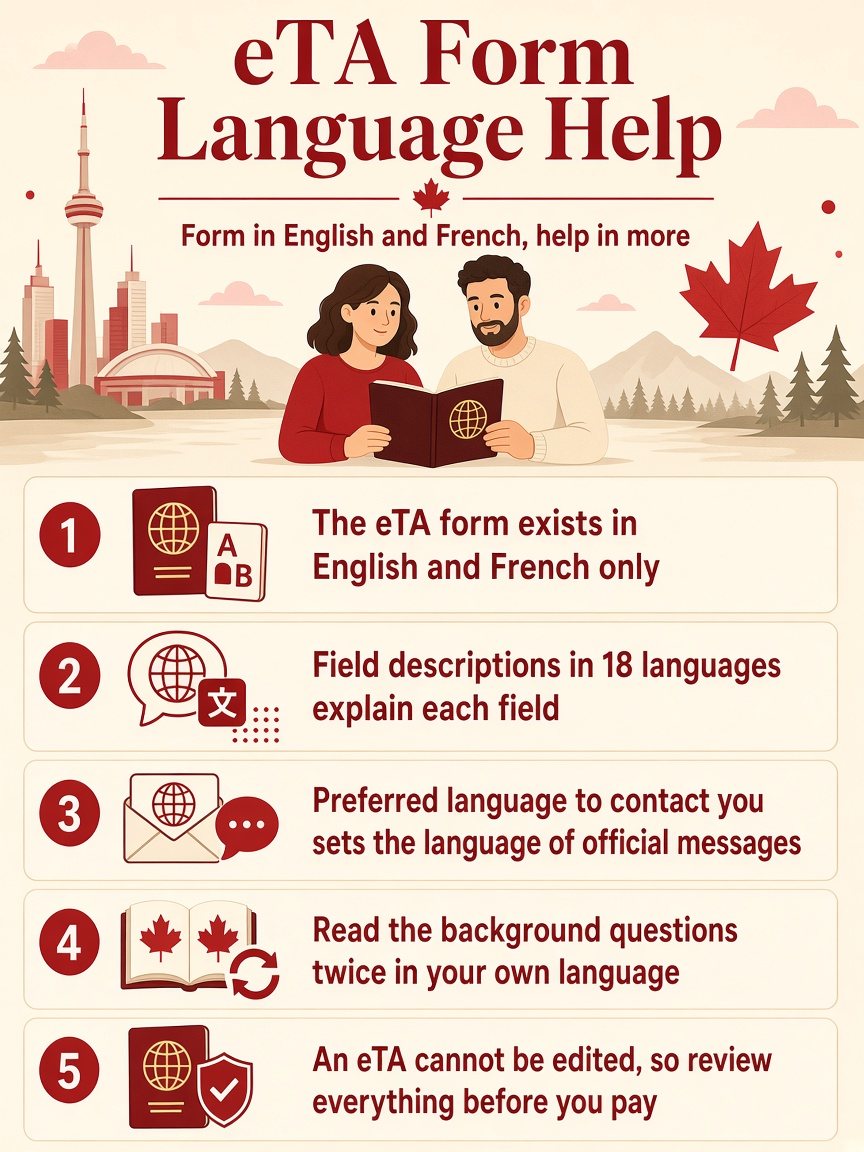
The short answer: the official Canada eTA application form is available in English and French only, but the Government of Canada publishes descriptions of each form field in 18 languages, English and French included, and a help guide in about 20. So you can apply in English or French with help in your own language beside you. The form also asks which language you prefer for contact, and that choice affects how IRCC writes to you, not the language of the form itself.
If your English or French is limited, the risk is not that the form is impossible. The risk is a small misunderstanding in a background question or a field label that you then answer wrongly, and an eTA cannot be edited after you submit. This page explains the help that exists, what to check before you press submit and where a translation tool is safe to use. If you have never applied, the first-time step-by-step guide describes the whole process in English.
Which languages is the eTA form in?
The Government of Canada states that the form is available in English and French only. It is not offered in Spanish, German, Chinese, Arabic or any other language. The passport instructions before the form are also written in English and French. Your passport’s language does not matter: you type your passport details exactly as they appear on it.
What help is there in other languages?
The form page says that, to help you understand it, descriptions of each of the form fields are available in the following languages: Arabic, Bulgarian, Chinese (simplified), Chinese (traditional), Dutch, English, French, German, Greek, Hungarian, Italian, Japanese, Korean, Polish, Portuguese, Portuguese (Brazilian), Romanian and Spanish.
There is also a separate help guide, a PDF that explains every field of the form. It is available in Arabic, Bulgarian, Chinese (simplified), Chinese (traditional), Dutch, English, Filipino, French, German, Greek, Hungarian, Italian, Japanese, Korean, Polish, Portuguese, Portuguese (Brazil), Romanian, Spanish and Thai. Open it in a second window and read the field description before you answer anything you are unsure about.
| Type of help | Where it is | Languages |
|---|---|---|
| The form itself | Government of Canada application | English, French |
| Field descriptions | Links next to the form | 18 languages |
| Help guide (PDF) | Government of Canada eTA pages | About 20 languages |
| Contact language | A field inside the form | Your choice of contact language |
What does “Preferred language to contact you” change?
The contact section of the form asks: “Preferred language to contact you”. This tells IRCC which language to use when it writes to you about your application. It does not change the language of the form and it does not translate your answers. The emails about your application come to the address that you enter, so use an address that you can open, and check the junk folder, because the Government of Canada says updates are sent by email only.
Which parts of the form are worth reading twice?
Most of the form is data you copy from your passport, and language matters little there. The parts where a misunderstanding causes trouble are these:
- Passport number and country code. The government instructions say to use the number at the top of the page with your photo, and to select the country code that matches the passport. Some countries have multiple options and some codes are very similar. Wrong entries may prevent you from boarding.
- Name fields. Enter exactly as shown on the passport. See the name mismatch guide.
- Additional nationalities. The form asks you to indicate which countries or territories you are a citizen of.
- Employment. The form asks for your occupation and job title and offers options that best describe your situation. A separate guide covers what to choose if you are retired or self-employed.
- Background questions. They ask about refusals, orders to leave a country, criminal offences and tuberculosis. Misreading a yes-or-no question can create a wrong statement, and the declaration says false statements may have serious consequences.
Can you use a translation tool?
You can use one to read the form, with care. A browser translation of the page is fine for understanding what a question means, but do not let it change what you type. Enter your passport data yourself, exactly as shown on the passport. For the background questions, compare the translated meaning with the official field description in your language before you answer.
What if you understand the form but not the emails?
IRCC’s messages are sent in English or French, and if you asked for one of those as your contact language, the emails come in that language. If you get a message you do not understand, do not ignore it and do not answer through a link in the email until you have checked it against your account on canada.ca. What to do when IRCC asks for more information explains what such a message looks like and where to respond.
Should you ask someone to fill in the form for you?
You can appoint a person to do it. The form starts with the question “Are you applying on behalf of someone?”. The Government of Canada describes a representative as a person who has the permission of someone wanting to travel to Canada to conduct business with IRCC on their behalf, and the representative can be paid or unpaid. A relative who speaks English is a legitimate helper. You remain responsible for the accuracy of the answers.
If you want a paid helper, get-eta.com is a paid private service, clearly separate from the Government of Canada, where you can start your eTA application. The fee for that service is charged on top of the government fee, and IRCC makes the decision either way.
A checklist for applying in a language you do not fully read
- Open the field descriptions in your language, or the help guide, beside the form.
- Keep the passport in front of you and copy the name, number and dates exactly.
- Use an email address you can open, and note which contact language you selected.
- Read every background question twice, in the form and in your own language.
- Review the whole application before you pay. The eTA cannot be edited afterwards.
- Print or save your receipt immediately, because it cannot be printed later.
Frequently asked questions
Is the eTA form available in Spanish, German or Chinese? No. The form is in English and French only. Field descriptions and a help guide exist in other languages.
Do I have to write my name in English? Write your name exactly as it is shown on your passport, in whatever spelling the passport uses.
Which language will IRCC use to write to me? The one you select in the “Preferred language to contact you” field, among the languages offered.
Can I use a translation extension in my browser? You can use it to read, but type your passport data yourself and compare any translation of a yes-or-no question with the official field description.
Can a friend fill it in for me? Yes. The form asks whether you are applying on behalf of someone, and a representative can be paid or unpaid.
The short version
- The eTA form exists in English and French only.
- Field descriptions in 18 languages and a help guide in about 20 explain each field.
- “Preferred language to contact you” sets the language of IRCC’s messages, not of the form.
- Type passport data exactly as printed; never rely on a translated version of an answer.
- Read the background questions twice in your own language.
- An eTA cannot be edited after submission, so review everything before you pay.
For the live rules and the form, see the Government of Canada page on how to apply for an eTA.